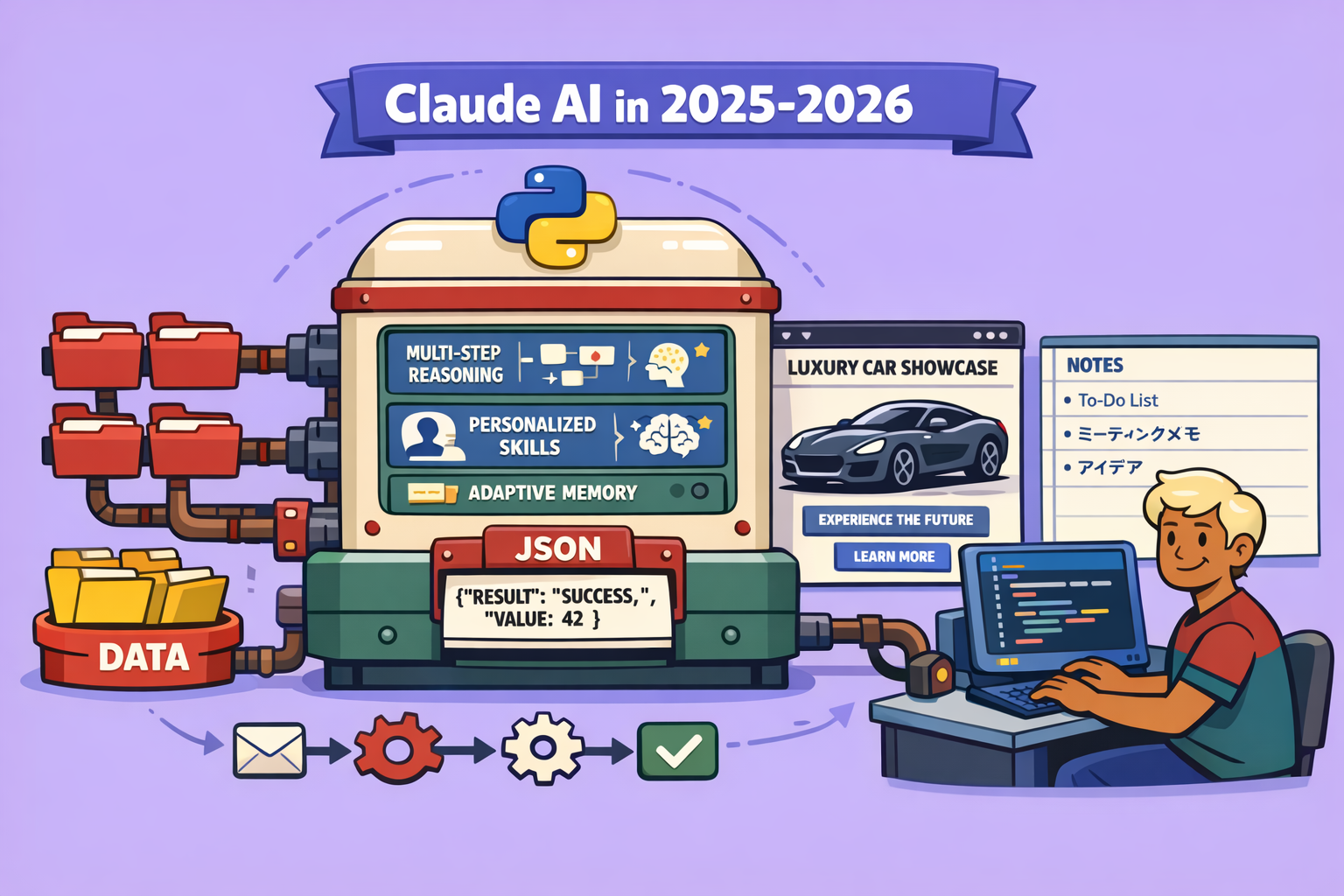
Having spent thousands of hours interacting with various AI models like ChatGPT, Gemini, Mistral, and Deepsic, I’ve concluded that Claude is the superior choice for 2026. This article outlines seven factual reasons why Claude has become my primary AI tool.
1. Claude Artifacts: Visualizing Complex Information
Claude’s “Artifacts” feature is a game-changer for understanding complex information. Imagine having a dense, scientific PDF, in English, filled with visuals. Claude can take this document and generate multiple interactive artifacts in French, explaining the content in an easily digestible format.
How to Use Claude Artifacts:
- Upload the Document: Go to Claude and directly upload your PDF or other document.
- Request Artifacts: Prompt Claude to “Create several artifacts to explain this scientific documentation in French.”
- Activate Deep Reflection and Opus 4.5: Ensure “Deep reflection activated” and “Model 4.5 Opus” are selected for optimal results.
- Observe Multi-Step Creation: Claude doesn’t just produce one output; it engages in a multi-step process. It reads the document, analyzes its “skills” (internal understanding of design/coding), and then generates various artifacts like overview, technical architecture, and dashboard results.
- Interact and Customize: Once generated, these artifacts are interactive. You can click on elements to understand concepts, and Claude can even adapt them to your branding and color codes. This is incredibly useful for content creators, researchers, and anyone needing to visualize complex data.
- Export and Utilize: You can copy the code (e.g., JSX), download it, and integrate it into other projects. This allows for dynamic, interactive explanations that outperform static text.
Claude Artifacts support various languages and formats, including React, HTML, SVG, Python, and diagrams. They are stored in your “Artifacts” menu for easy access and reuse.
2. Superior Code Generation: A Developer’s Ally
Claude has consistently proven to be a powerhouse for code generation. Benchmarks on LM Arena show Claude 4 Opus leading in web development, outperforming competitors like Gemini 3 Pro. Many professional developers, including those in my elite group of over 100 members, recognize Claude 4.5 Opus as the top choice.
Key Advantages for Coding:
- One-Shot Code Generation: Claude minimizes the need for iterative corrections. It often produces correct and usable code on the first attempt, saving significant time compared to other models.
- Contextual Understanding: Given a detailed “conversational memory” (e.g., 2990 variables about your profile, objectives, etc.), Claude can generate highly relevant and customized code. If a request deviates from your established context, it will prompt for clarification, ensuring alignment with your overall goals.
- Intuitive Interface: Claude presents code in a clean, minimalist block, making it easy to review. It can generate code in various languages like JSX (for dynamic, stylish sites) or HTML for simpler web pages.
- Live Preview and Iteration: When generating web interfaces, Claude allows you to preview the result directly within the application. You can immediately request modifications, such as changing colors or adding images, and Claude intelligently updates the existing code rather than restarting from scratch. This iterative process is a significant time-saver for front-end development.
3. Claude Code: Seamless Integration with Development Environments
Claude Code extends Claude’s coding prowess directly into your Integrated Development Environment (IDE) or terminal, such as Cursor.
How to Use Claude Code:
- Connect Your Claude Account: Use the
/logincommand in your IDE’s terminal to connect your Claude account. This allows you to use your existing subscription (Pro, Max, Team) instead of paying for API usage, making it cost-effective for heavy coding. - Generate Code On-Demand: Within your IDE, you can prompt Claude to “create a modern personalized note interface.” Claude, running on Opus 4.5, will generate the code directly in your project files.
- Track Usage: The
/usagecommand allows you to monitor your daily token consumption, similar to the web application, helping you stay within your subscription limits. - Multi-Instance Coding: Claude Code allows you to initiate coding tasks in multiple instances (e.g., in Cursor and a separate terminal), enabling parallel development.
- Intelligent Design Directions: Claude can propose design directions (e.g., “Japanese-inspired minimalist style”) before generating the layout, colors, and typography, providing a holistic approach to coding.
- Interactive Code Explanation: After generating code, Claude can explain the file hierarchy and project structure, making it easy for developers of all levels to understand the generated output. It can even generate functional web applications with features like dark/light modes, note creation, tagging, and search—all in one shot, with zero iterations.
4. MCP Connected: Automating Workflows with N8N
Claude’s integration with “MCP” (presumably an internal or specialized integration term, here referring to N8N as seen in the video) allows for seamless automation of complex workflows.
How to Integrate N8N with Claude:
- Enable MCP in N8N: In your N8N workflow settings, ensure “Available in MCP” is activated.
- Connect N8N to Claude: In Claude’s settings, go to “Manage Connectors” and add N8N. You’ll need to provide your N8N server URL, found under “Instance Level MCP” in N8N’s parameters.
- Trigger Workflows with Natural Language: Instead of manually triggering N8N workflows, you can use natural language prompts in Claude. For example, “Create a gamma presentation with the N8N MCP to understand how an LLM and probabilities work in text generation.”
- Multi-Step Automation: Claude will locate and execute the specified N8N workflow. It analyzes the workflow details, injects necessary JSON data, and initiates the process, all without manual intervention.
- Monitor Progress: You can track the execution status in N8N. Once completed, Claude will confirm the successful generation.
- Generate Rich Content: A single Claude prompt can trigger an N8N workflow to create a comprehensive presentation (e.g., 25 pages) complete with titles, images, structured elements, and detailed explanations (like Transformer architecture, BERT encoding, tokenization). This fully automated process can save hours of manual work.
- Security and Control: While N8N is connected, you can limit Claude’s access to specific workflows, ensuring security and control over sensitive operations.
This integration empowers users to launch multiple complex workflows simultaneously with a single natural language request, significantly boosting productivity across various tasks.
5. Highly Customizable Skills: Beyond Basic GPTs
Claude’s “Skills” feature is a powerful differentiator, offering advanced customization akin to personalized GPTs but with dynamic natural language activation.
How to Use Claude Skills:
- Prompt for a Specific Task: Ask Claude to perform a task that aligns with a predefined skill, e.g., “Create a PRD for a productivity note application.”
- Claude Identifies and Activates Skill: Claude will intelligently identify and activate the relevant skill. For example, a “PRD Generator” skill would be triggered for the above prompt.
- Multi-Phase Engagement: Skills can involve multi-phase interactions. For instance, a PRD skill might start with a “qualification phase” where Claude asks clarifying questions to gather necessary information.
- Personalized Responses: Skills provide tailored responses based on predefined instructions and anti-patterns (what to avoid). This ensures consistency and quality aligned with specific objectives.
- Example: PRD Generation: Claude can generate a complete Product Requirements Document (PRD) in Markdown format, which can then be downloaded, published, or even fed directly into Claude Code to generate the application. This eliminates the need to manually craft detailed specifications.
Creating and Managing Skills:
- Access Skills: Navigate to your profile settings in Claude, then “Usage” and “Capabilities” to find your custom skills.
- Skill Definition: Each skill is defined with instructions on when to activate it (e.g., “use this skill when the user asks to create a plan, structure, hierarchy, or PRD”) and how to respond.
- Dynamic Activation: Unlike traditional GPTs where you manually select them, Claude’s skills are invoked dynamically through natural language, making the interaction more seamless and intuitive.
6. Memory + Projects: Contextual Intelligence for Enhanced Productivity
Claude’s combination of persistent memory and project-specific contextualization creates a uniquely powerful AI experience.
Key Features:
- Project-Specific Memory: You can create individual “projects” (e.g., “YouTube Master”) where Claude stores specific instructions, goals, and even details about your target audience.
- Adaptive Personalized Memory: Beyond project-specific data, Claude builds a comprehensive conversational memory about you, including your preferences, health elements, business goals, and philosophy. This allows it to understand your requests within your broader context.
- Smart Content Generation: When you provide Claude with a transcript of a video within a project (e.g., YouTube Master), it analyzes the content, cross-references it with your project’s memory (e.g., target audience, subscriber goals), and generates optimized titles, descriptions, tags, and hashtags with virality scores.
- Skill Integration within Projects: You can activate specific skills within a project. For instance, after generating video optimization ideas, you can prompt Claude to “Create a School post saying I released a new video warning about GPT-5.” Claude will then use its “School Post Generator” skill, considering the project context and video content, to craft a relevant post.
- No Hallucinations: Because Claude bases its responses on explicit context (transcripts, project memory), it avoids “hallucinations,” producing accurate and relevant content.
This combination of memory and projects allows Claude to act as a highly specialized assistant, providing contextually rich and targeted responses that adapt to your unique needs across various tasks.
7. Customizable Writing Styles: Tailoring AI’s Voice
Claude allows you to define and switch between multiple writing styles, enabling the AI to adapt its tone, length, and approach to your specific communication needs.
How to Use Custom Styles:
- Access Style Options: In any conversation, click the “+” button and select “Use style.”
- Choose a Predefined Style: Claude offers default styles like “concise,” “formal,” and “explanatory.” You can also create your own.
- Apply Style to Prompts: When you ask a question (e.g., “How does an LLM Transformer work?”), apply a specific style. Claude will generate responses reflecting that style’s characteristics.
- Observe Different Approaches: Compare responses across different styles. For example, a “normal” style might provide a standard explanation, while an “explanative” style might offer a more detailed and pedagogical approach. An “apprenticeship” style could tailor the explanation to a learner’s perspective.
- Create Custom Styles:
- Click “Create and modify styles.”
- You can import a
.docxor.txtfile containing text in your desired style, or paste text directly. - Alternatively, describe the style in natural language (e.g., “a brutal style that often uses strong language to vulgarize concepts and always begins with ‘Let’s get into your mess.’”). Claude can then generate a style based on this description.
- Rename and save your custom styles for future use.
Benefits of Custom Styles:
- Personalization: Tailor Claude’s communication to match your voice, brand, or audience.
- Versatility: Switch between professional, casual, educational, or even “brutal” (as demonstrated) tones as needed.
- Efficiency: For users who spend extensive time with AI, personalized styles can significantly improve the interaction experience, making it more natural and less monotonous.
Claude’s advanced features, from interactive artifacts and superior code generation to seamless workflow automation and deep personalization, position it as a powerful and indispensable AI tool for 2026. If you’re looking to maximize your productivity and leverage AI’s full potential, Claude is a clear leader.
🔍 Discover Kaptan Data Solutions — your partner for medical-physics data science & QA!
We're a French startup dedicated to building innovative web applications for medical physics, and quality assurance (QA).
Our mission: provide hospitals, cancer centers and dosimetry labs with powerful, intuitive and compliant tools that streamline beam-data acquisition, analysis and reporting.
🌐 Explore all our medical-physics services and tech updates
💻 Test our ready-to-use QA dashboards online
Our expertise covers:
🔬 Patient-specific dosimetry and image QA (EPID, portal dosimetry)
📈 Statistical Process Control (SPC) & anomaly detection for beam data
🤖 Automated QA workflows with n8n + AI agents (predictive maintenance)
📑 DICOM-RT / HL7 compliant reporting and audit trails
Leveraging advanced Python analytics and n8n orchestration, we help physicists automate routine QA, detect drifts early and generate regulatory-ready PDFs in one click.
Ready to boost treatment quality and uptime? Let’s discuss your linac challenges and design a tailor-made solution!
Get in touch to discuss your specific requirements and discover how our tailor-made solutions can help you unlock the value of your data, make informed decisions, and boost operational performance!
Comments