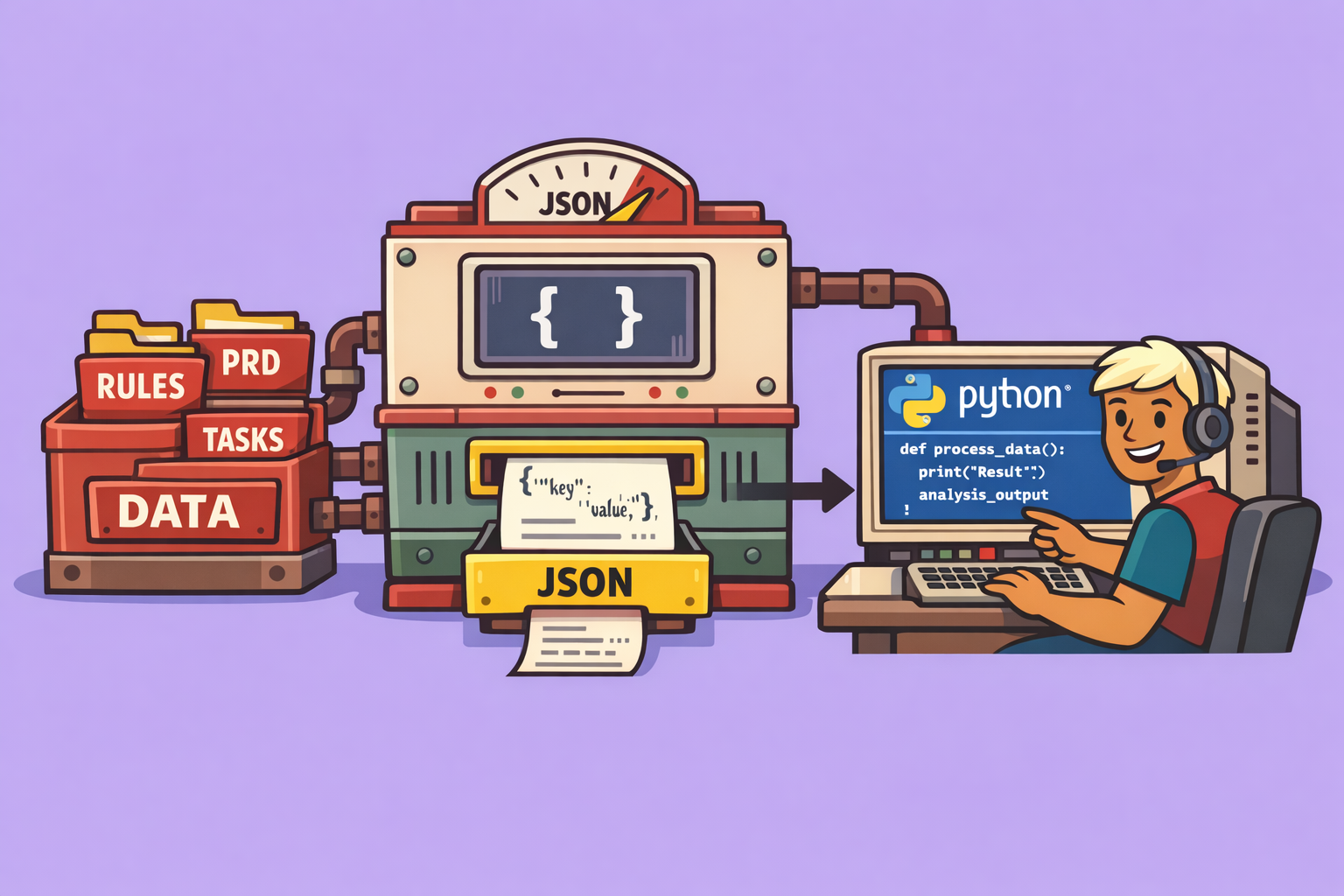
Are you leveraging your AI coding assistant to its fullest potential? Many developers are leaving significant capabilities untapped. This guide dives into practical techniques used by top agentic engineers, enabling you to build a robust system for working with your coding agent, whether you’re using tools like Claude Code, Kiro, or Cursor. These methods don’t require new software; they represent a smarter way of developing.
1. PRD-First Development
The foundation of efficient AI-assisted coding is PRD-First Development, where PRD stands for Product Requirement Document. In this context, a PRD is a markdown document serving as a single source of truth for your project’s entire scope.
For Greenfield Development (starting from scratch): The PRD outlines everything needed to complete a proof of concept or Minimum Viable Product (MVP). It acts as the “north star” for your coding agent, guiding all development. Critically, it helps break down the project into granular, manageable features (e.g., API implementation, UI design, authentication). This prevents the AI agent from being overwhelmed by trying to do too much at once.
For Brownfield Development (working on existing codebases): Instead of defining the initial scope, the PRD documents what currently exists and what new features or modifications are planned. Regardless of the project type, the PRD ensures continuity and a clear direction for all interactions with your coding agent.
Many developers skip this crucial step, jumping directly into feature building without a connecting thread between iterations or clear guidance for the AI.
How to Implement PRD-First Development:
- Utilize a
/createprdcommand: After an initial conversation with your AI coding assistant to establish project goals (e.g., “I want to build XYZ, help me plan it”), execute a command like/createprd. This command, often a pre-defined prompt, will generate a structured PRD document based on your conversation. - Define a comprehensive PRD template: Your PRD should include sections such as:
- Target Users
- Mission/Goal
- In-Scope Features
- Out-of-Scope Features
- System Architecture This document then becomes the blueprint for all subsequent feature development.
- Prime your agent with the PRD: Use a
/primecommand at the start of any new conversation to load essential project context, including your PRD. This allows you to ask the agent, “Based on the PRD, what should we build next?”, ensuring it always works within the defined scope.
2. Modular Rules Architecture
Avoid making your global rules (constraints and conventions loaded at the start of every conversation, often in agents.md or clod.md) excessively long. Overly lengthy global rules can overwhelm the Large Language Model (LLM) within your coding agent.
The Strategy:
- Keep global rules lightweight: Your main rule file (
clod.md, for example) should be concise, focusing only on rules that apply universally to any task (e.g., commands to run, testing strategy, logging standards, tech stack, project structure, code conventions). - Modularize task-specific rules: For rules specific to certain task types (e.g., frontend components, deployments, API development), split them into separate markdown documents. Store these in a dedicated reference folder (e.g.,
.clod/reference). - Reference modular rules from global rules: In your global rules, include a “reference” section that conditionally loads these task-specific documents. For instance, you can instruct the coding agent: “When working on building API endpoints, read this file (
api_rules.md)”. This ensures that the LLM only loads relevant context, preserving the context window and preventing overload, which is crucial for efficient reasoning. You can also reference these documents directly within specific commands.
3. Commandify Everything
Any prompt you send to your coding agent more than twice is an opportunity to turn it into a reusable command or workflow. Commands are essentially markdown documents that define a process for your coding agent, streamlining repetitive tasks and saving countless keystrokes.
Examples of Command-worthy tasks:
- Making Git commits
- Creating PRDs (as discussed above)
- Loading context from the codebase
- Core feature development cycles (planning, priming, execution)
- Validation commands
- System evolution commands
By creating these commands, you build a shared library of workflows that can be customized and reused across projects and even shared with other developers.
4. Context Reset Between Planning and Execution
Effective context management involves resetting the conversation window with your coding agent between the planning and execution phases of a task.
The Procedure:
- Planning phase:
- Start with the
/primecommand to load code base context. - Engage in a conversation with the AI to determine the next feature based on the PRD.
- Conclude the planning by outputting a structured plan into a markdown document. This document should contain all necessary context for execution (feature description, user stories, high-level overview, context to reference, individual components, task breakdown).
- Start with the
- Execution phase:
- Clear the context window: Use a
/clearcommand or restart your coding agent. - Execute with the plan: Call an
/executecommand, passing the previously generated structured plan document as its sole parameter. This ensures the agent is working with the lightest possible context, maximizing its reasoning capabilities for actual code generation and self-validation.
- Clear the context window: Use a
5. System Evolution: Treat Every Bug as an Opportunity
This is arguably the most powerful technique: viewing every bug or error not just as something to fix, but as a chance to make your coding agent stronger. Instead of just manually correcting an issue and moving on, delve into your system to understand why the bug occurred and what can be changed to prevent recurrence.
How to Evolve Your System:
- Identify the root cause within the system: When a bug appears, consider if it’s due to:
- Global rules: Are they unclear or missing a crucial instruction?
- Reference context: Is the agent missing specific knowledge for a task type?
- Commands/Workflows: Is a particular process flawed or incomplete?
- Make targeted adjustments:
- Incorrect import style: Add a new, explicit rule to your global rules.
- Agent forgets to run tests: Update your structured plan template to include explicit sections for testing.
- Doesn’t understand authentication flow: Create a new reference document detailing the authentication process and update global rules to reference it when working on auth-related tasks.
- Engage the AI for self-reflection: After fixing a bug, prompt your coding agent to analyze the incident: “Hey [Agent Name], I noticed XYZ was not working and I had to make this fix. Go into the rules, read all the commands we used, and figure out what we could improve in the process or rules so this issue doesn’t happen again.” This fosters self-correction and continuous improvement, making your agent more powerful and reliable over time.
By adopting these agentic engineering techniques, you transform your AI coding assistant from a simple code generator into a highly efficient, context-aware, and continuously improving development partner. This mindset shift empowers you to leverage AI for more complex projects, enhancing both productivity and code quality.
🔍 Discover Kaptan Data Solutions — your partner for medical-physics data science & QA!
We're a French startup dedicated to building innovative web applications for medical physics, and quality assurance (QA).
Our mission: provide hospitals, cancer centers and dosimetry labs with powerful, intuitive and compliant tools that streamline beam-data acquisition, analysis and reporting.
🌐 Explore all our medical-physics services and tech updates
💻 Test our ready-to-use QA dashboards online
Our expertise covers:
🔬 Patient-specific dosimetry and image QA (EPID, portal dosimetry)
📈 Statistical Process Control (SPC) & anomaly detection for beam data
🤖 Automated QA workflows with n8n + AI agents (predictive maintenance)
📑 DICOM-RT / HL7 compliant reporting and audit trails
Leveraging advanced Python analytics and n8n orchestration, we help physicists automate routine QA, detect drifts early and generate regulatory-ready PDFs in one click.
Ready to boost treatment quality and uptime? Let’s discuss your linac challenges and design a tailor-made solution!
Get in touch to discuss your specific requirements and discover how our tailor-made solutions can help you unlock the value of your data, make informed decisions, and boost operational performance!
Comments