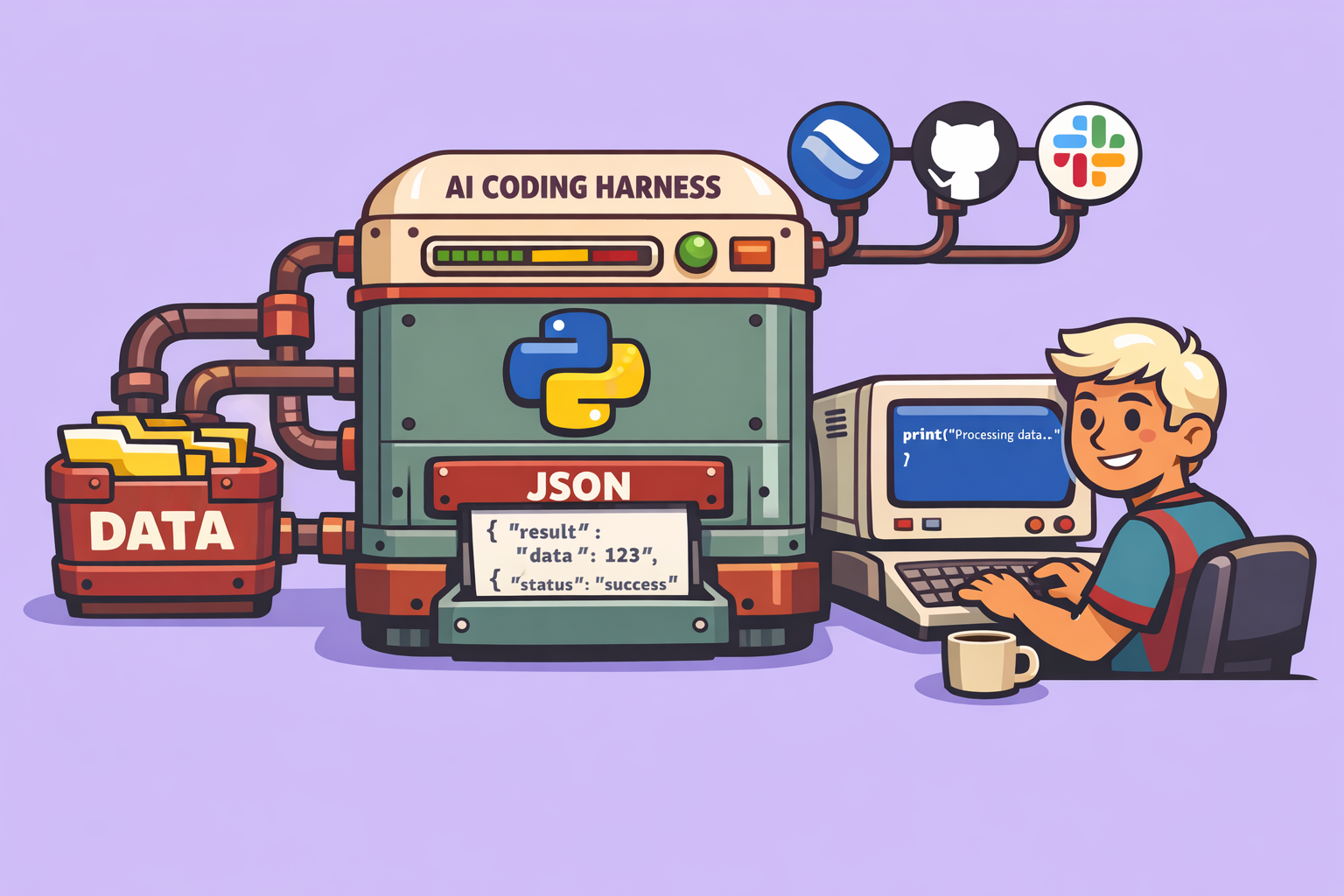
The landscape of AI coding is rapidly evolving. While AI agents are becoming increasingly adept at generating code, their true potential as “AI engineers” extends far beyond mere code creation. The new frontier involves integrating these agents into comprehensive workflows, managing tasks, communication, and version control—much like a human engineer would. This article delves into the concept of agent harnesses, exploring how they serve as the crucial wrapper to elevate AI coding agents into full-fledged, autonomous engineers.
The Problem with Standalone AI Coding Agents Simplified
Traditional AI coding agents, despite their advancements, struggle with large, complex requests. Their core limitation lies in context management. The context window—the amount of information an agent can process at once—is its most precious resource. Overloading it leads to performance degradation and failures. This is where the agent harness comes in.
An agent harness acts as a sophisticated wrapper around a coding agent, providing crucial functionalities like persistence and progress tracking. It enables agents to string together multiple sessions, maintain state across them, and manage complex workflows. Essentially, it allows for the breakdown of a large request into smaller, manageable chunks, ensuring the agent operates efficiently without exceeding its context limitations. This approach is key to pushing the boundaries of AI coding.
Beyond Coding: The Vision of a True AI Engineer
While an agent harness solves the context management problem, a true AI engineer needs more than just coding capabilities. An engineer’s role involves:
- Communication: Providing updates and sharing progress (e.g., via Slack).
- Task Management: Tracking and managing tasks (e.g., using Linear or Jira).
- Version Control: Maintaining code repositories and managing changes (e.g., with GitHub).
To achieve this holistic vision, the agent harness must be extended with a “toolbelt” that integrates these functionalities.
Architecture of an Advanced Agent Harness
This advanced harness leverages multiple “sub-agents” and external services to create a comprehensive AI engineering system. Here’s a breakdown of its architecture and how it functions:
1. The App Spec: The Blueprint for the AI Engineer
The process begins with an App Spec, which serves as a detailed Product Requirements Document (PRD). This document outlines all the features the AI engineer needs to build autonomously. It follows a specific JSON format, including a task list, to ensure consistency and efficient processing by the harness.
2. The Initializer Agent: Setting the Stage
Upon receiving the App Spec, an Initializer Agent takes over. Its role is to scaffold the entire project setup:
- Linear Integration: It delegates to a “Linear Agent” to create a new project and all associated issues in Linear, using these as the primary source of truth for task management.
- GitHub Repository Setup: A “GitHub Sub-Agent” is called upon to initialize the Git repository, setting up the basic structure for the codebase.
- Local Configuration: A minimal local file is created to link the project to its corresponding Linear ID, ensuring continuity across sessions.
- Meta Issue Creation: A “meta” Linear issue is created for overall progress tracking, replacing simpler local text files used in earlier harness versions.
3. The Coding Agent Loop: Iterative Development and Management
Once initialized, the harness enters its main loop, where the coding agent iteratively develops the application:
- Context Re-establishment: Each agent session starts with a fresh context window. The agent first reads the Linear project to understand its current state and what needs to be done.
- Task Selection: The Linear Agent identifies the next features to work on, querying Linear for outstanding tasks.
- Implementation: The core coding agent then implements the selected feature(s).
- Version Control: The GitHub Agent is used to push changes, creating commits for each completed feature and managing pull requests.
- Communication: A “Slack Sub-Agent” provides progress updates, notifying team members at key milestones (e.g., after initial sessions or upon project completion).
- Iteration: This cycle repeats until all tasks in Linear are marked as complete.
The harness is designed to handle tasks flexibly; if a task is simple enough, the agent might complete multiple in a single session.
4. External Services and Tooling: The Power of Integration
To enable these functionalities, the harness integrates with several external services and tools:
- Arcade: This platform is crucial for securely connecting to Linear, Slack, and GitHub. Arcade simplifies OAuth flows for agent authorization, allowing the harness to access these services without directly managing credentials. It also supports tool discovery, preventing context overload by dynamically providing tool definitions to the agents.
- Claude Agents SDK: The entire harness is built on top of Anthropic’s Claude Agents SDK, utilizing its capabilities for long-running tasks and agent orchestration.
- Playwright: This tool is used for validating code behind the scenes, ensuring the quality and functionality of the generated application.
Implementing and Customizing the Harness
The harness is designed for ease of setup and extensive customization:
1. Setup Guide:
- Virtual Environment: Set up a Python virtual environment.
- Claude Code: Ensure Claude Code is installed and logged in, as the harness uses the same subscription.
- Arcade Configuration:
- Sign up for Arcade (free tier available).
- Create an MCP Gateway, providing a name, description, LLM instructions, and selecting “Arcade headers” for authentication.
- Add “GitHub,” “Linear,” and “Slack” as allowed tools.
- Copy the Arcade URL and API key to your
.envfile.
- GitHub Repository: Define the specific GitHub repository the harness will use (an empty repo is recommended initially).
- Slack Channel: Configure the Slack channel for updates.
- Model Selection: Specify the LLM model for each sub-agent (e.g., “Haiku” for cost-effective Linear updates, “Opus” for complex coding tasks).
- Authorization Script: Run a one-time authorization script to complete OAuth flows for Linear, Slack, and GitHub via Arcade.
2. Running the Harness:
- Prepare your App Spec, ensuring it follows the recommended format with a detailed task list.
- Use WSL, Mac, or Linux (Windows tends to have compatibility issues with the Claude Agent SDK) to activate your virtual environment.
- Execute a single command to send your App Spec to the harness, specifying the output directory.
3. Customization:
- Prompts Folder: The behavior of each sub-agent (coding, Linear, GitHub, Slack) is controlled by markdown files in the
promptsfolder. These files define the system prompts, guiding the agents’ actions and decision-making. - Sub-Agent Definitions: New sub-agents can be easily added by defining their description, loading their prompt from a file, assigning allowed tools via Arcade, and specifying the LLM model.
- Workflow Adjustments: The logic for communication frequency, task processing, and repository management can be tweaked by modifying these prompts and agent definitions. For instance, the harness can be configured to continuously monitor Linear for new issues and pick them up automatically.
The Future of AI Coding: Towards Autonomous Workflows
This advanced agent harness represents a significant step towards autonomous AI engineering. By integrating task management, version control, and communication, it transforms a coding agent into a proactive, end-to-end developer. The ability to define and orchestrate custom AI coding workflows, tailor-made for specific use cases, is the ultimate goal.
Projects like this harness demonstrate the potential for a new generation of AI tools—platforms that allow users to easily build and manage their own optimized AI coding workflows. This level of customization and integration will enable organizations to leverage AI for complex software development, improving efficiency, reducing errors, and accelerating innovation. The journey from AI code generator to AI engineer is well underway, and agent harnesses are paving the path.
🔍 Discover Kaptan Data Solutions — your partner for medical-physics data science & QA!
We're a French startup dedicated to building innovative web applications for medical physics, and quality assurance (QA).
Our mission: provide hospitals, cancer centers and dosimetry labs with powerful, intuitive and compliant tools that streamline beam-data acquisition, analysis and reporting.
🌐 Explore all our medical-physics services and tech updates
💻 Test our ready-to-use QA dashboards online
Our expertise covers:
🔬 Patient-specific dosimetry and image QA (EPID, portal dosimetry)
📈 Statistical Process Control (SPC) & anomaly detection for beam data
🤖 Automated QA workflows with n8n + AI agents (predictive maintenance)
📑 DICOM-RT / HL7 compliant reporting and audit trails
Leveraging advanced Python analytics and n8n orchestration, we help physicists automate routine QA, detect drifts early and generate regulatory-ready PDFs in one click.
Ready to boost treatment quality and uptime? Let’s discuss your linac challenges and design a tailor-made solution!
Get in touch to discuss your specific requirements and discover how our tailor-made solutions can help you unlock the value of your data, make informed decisions, and boost operational performance!
Comments