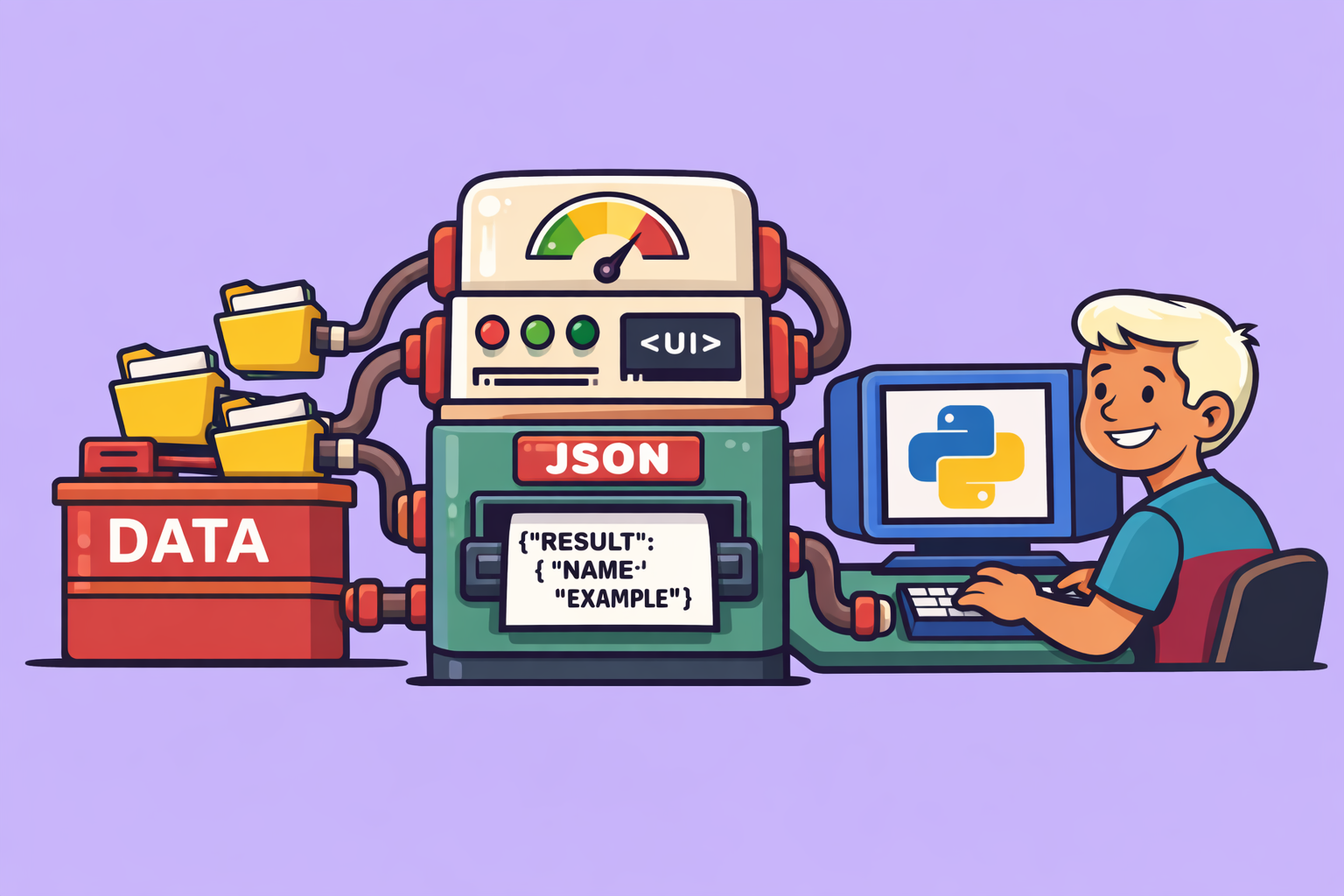
In the rapidly evolving landscape of web development, a groundbreaking concept is emerging: Generative UI. This innovative approach empowers AI agents to dynamically generate user interface layouts and components, leading to significantly more personalized and adaptive applications. Forget static web pages; imagine an Amazon or Google interface that completely reconfigures itself based on your past interactions, preferences, and current needs. This article delves into the power of Generative UI, how it works, its different forms, and a practical implementation using a sophisticated tech stack.
What is Generative UI?
At its core, Generative UI gives AI agents the ability to decide the layout and the components for the front end of an application. Instead of predefined templates, the user interface is constructed on the fly, optimized for the specific context and user. This takes traditional agentic applications, which primarily focus on displaying information within a static layout, to an entirely new level of personalization and responsiveness.
The key benefits of Generative UI include:
- Ultra-Personalization: Each user experience can be unique, tailored to individual interests and usage patterns.
- Dynamic Information Presentation: Content is not just displayed; it’s organized and highlighted in the most concise and insightful way possible, based on agent analysis.
- Adaptability: The UI can evolve over time, learning from user interactions and adapting its presentation to provide the most relevant and efficient experience.
Use Cases for Generative UI
The potential applications of Generative UI are vast and transformative:
- Chat Applications: Imagine Slack or Discord bots that can render custom visual components directly within a conversation, making interactions more intuitive and informative.
- Co-Creator Workspaces: For applications where users collaborate with AI agents (e.g., research, design), Generative UI can create shared workspaces that evolve dynamically, displaying outputs, previews, and insights as needed. This is the use case demonstrated in the example project.
- E-commerce: Online stores can move beyond simple product recommendations. The entire layout could shift to emphasize products an agent believes a user is most likely to purchase, creating a highly engaging shopping experience.
The Spectrum of Generative UI
Generative UI isn’t a monolithic concept; it exists on a spectrum defined by how much control is delegated to the AI agent versus the programmer. There are three main categories:
- Static Generative UI:
- Agent’s Role: Decides what information to display.
- Programmer’s Role: Pre-defines the layout and components.
- Example: A weather app where an agent fetches the temperature, but the display format (e.g., a simple text block) is hardcoded. This is the most traditional form and is common across the web today.
- Open-Ended Generative UI:
- Agent’s Role: Generates all code for the UI (HTML, CSS, JSX) on the fly, including components and layout.
- Flexibility: Extremely flexible.
- Challenges: Significant security and performance concerns due to rendering arbitrary content. This approach gives the most control to the agent but introduces considerable risks.
- Declarative Generative UI (The Sweet Spot):
- Agent’s Role: Selects components from a pre-configured library and defines their layout and parameters (data, text, numbers).
- Programmer’s Role: Develops and maintains the component library, sets the boundaries for agent creativity, and guides the agent’s choices through prompts.
- Benefits: Offers a balance of flexibility and control, allowing for dynamic interfaces within well-defined, secure boundaries. This is the approach favored by specifications like Google’s A2UI and demonstrated in the project.
How it Works: A Step-by-Step Implementation
The example project for generating personalized research dashboards utilizes a declarative Generative UI approach. Here’s a breakdown of the architecture and workflow:
1. Input and Agent Processing:
- User Input: The process begins with user input, such as pasting research notes or long markdown documents that an AI agent has previously generated (referred to as a “second brain”).
- Agent Analysis: A “Pedantic AI” agent (the custom AI agent in the backend) receives this input. Its primary tasks are:
- Classify the document: Understand the nature and key themes of the research.
- Define the layout: Determine the optimal structure for presenting the information.
- Select components: Choose appropriate UI components from a predefined library (e.g., charts, tables, summaries, insights panels) to best communicate the extracted information.
2. Component Generation (A2UI Protocol):
- JSON Output: For each selected component, the agent generates a specific JSON configuration object. This conforms to the A2UI protocol (a Google specification for agent-to-UI communication).
- JSON Structure: Each JSON object includes:
id: A unique identifier for the component.name: The name of the component (e.g., “TableComponent”, “InsightCard”).children: (Optional) Defines nested components or layout elements to help with hierarchical structuring.props: Key-value pairs containing the actual data, text, and numbers that the component needs to display (e.g.,{"headers": ["Topic", "Insight"], "rows": [["Generative UI", "Future of software"]]}).
3. Real-time Communication (AGUI Protocol):
- Streaming to Frontend: The generated JSON configurations are streamed to the front end using the AGUI protocol. This protocol establishes a real-time, synchronized connection between the backend agent and the frontend application.
- Event-Driven Updates: AGUI handles events emitted by the agent, such as
run_started,progress_updated, orcomponent_generated. This allows the frontend to display updates dynamically (e.g., a progress bar showing “40% complete” as the agent works). The system could even stream components as they are generated, making the dashboard appear to build in real-time.
4. Frontend Rendering (CopilotKit & React):
- Frontend Framework: The frontend application is built using CopilotKit, a framework designed to simplify the creation of interactive AI-powered applications. CopilotKit integrates seamlessly with AGUI and the Pedantic AI agent.
- Component Mapping: The frontend receives the A2UI-compliant JSON objects. It has a corresponding component library (e.g., a React component for each possible
namedefined in the A2UI output). - Dynamic Display: The component is rendered using its
props(the data provided by the agent). For example, if the agent specifies aTableComponentwith certain headers and rows, the React component for the table will render that data accordingly.
Tech Stack Overview:
- AI Agent (Backend): Custom “Pedantic AI” agent (can be replaced by other agent frameworks).
- Generative UI Protocol: A2UI (for defining component specifications).
- Agent-Frontend Sync Protocol: AGUI (for real-time communication).
- Frontend Framework: CopilotKit (for easy integration and interactive UI development).
- UI Library: React (for building the actual UI components).
Guiding the Agent and Ensuring Control:
For declarative Generative UI, maintaining control over the agent’s output is crucial. This is achieved through:
- System Prompts: The agent’s system prompt clearly describes the purpose of each component in the library, when it should be used, and how to define its properties (
props). - Component Library Contract: Both the backend agent and the frontend application share a “contract” – the agent knows what components it can request, and the frontend knows how to render those specific components. This ensures consistency and prevents the agent from generating arbitrary, unrenderable UI.
Conclusion
Generative UI, particularly the declarative approach, represents a significant leap forward in software development. By empowering AI agents to intelligently construct UIs on the fly, developers can create applications that are profoundly more personalized, dynamic, and responsive to user needs. While the technology stack can appear complex, tools like AGUI, A2UI, and CopilotKit are making it increasingly accessible to build these next-generation experiences. This shift promises a future where every digital interaction is uniquely tailored, making software more intuitive and powerful than ever before.
🔍 Discover Kaptan Data Solutions — your partner for medical-physics data science & QA!
We're a French startup dedicated to building innovative web applications for medical physics, and quality assurance (QA).
Our mission: provide hospitals, cancer centers and dosimetry labs with powerful, intuitive and compliant tools that streamline beam-data acquisition, analysis and reporting.
🌐 Explore all our medical-physics services and tech updates
💻 Test our ready-to-use QA dashboards online
Our expertise covers:
🔬 Patient-specific dosimetry and image QA (EPID, portal dosimetry)
📈 Statistical Process Control (SPC) & anomaly detection for beam data
🤖 Automated QA workflows with n8n + AI agents (predictive maintenance)
📑 DICOM-RT / HL7 compliant reporting and audit trails
Leveraging advanced Python analytics and n8n orchestration, we help physicists automate routine QA, detect drifts early and generate regulatory-ready PDFs in one click.
Ready to boost treatment quality and uptime? Let’s discuss your linac challenges and design a tailor-made solution!
Get in touch to discuss your specific requirements and discover how our tailor-made solutions can help you unlock the value of your data, make informed decisions, and boost operational performance!
Comments