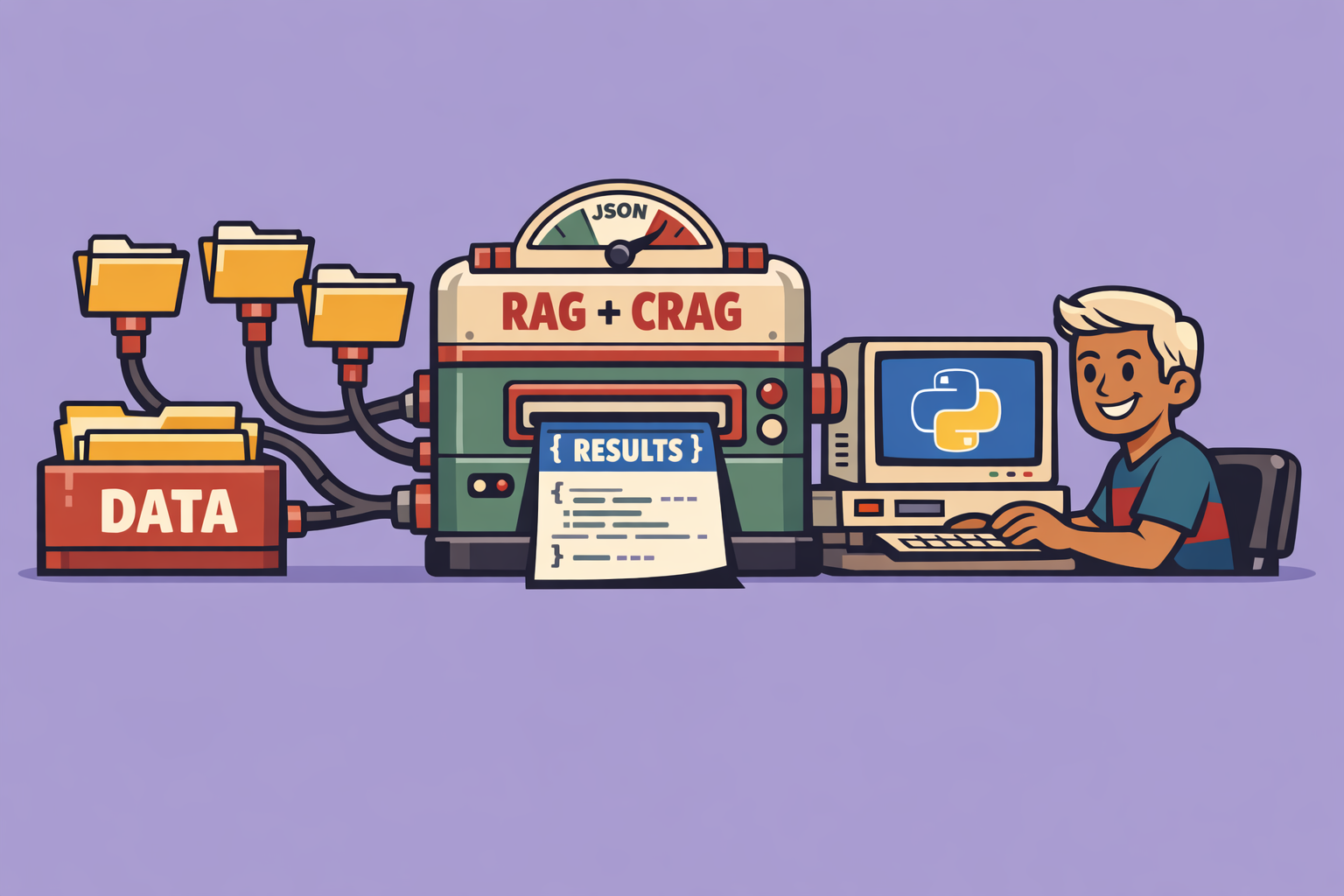
In the rapidly evolving world of artificial intelligence, building intelligent agents that can access and synthesize information from a local knowledge base is a significant challenge. This article delves into an innovative approach that combines Retrieval-Augmented Generation (RAG) with a novel technique called CRAG (Corrective Retrieval Augmented Generation), all wrapped in an interactive Streamlit application. This setup allows for the creation of powerful, locally-run AI agents, particularly useful for specialized and domain-specific knowledge.
The Challenge with Standard RAG
While RAG has revolutionized how Large Language Models (LLMs) can incorporate external knowledge, it’s not without its limitations. Standard RAG relies heavily on the quality and relevance of the retrieved documents. If the retrieved information is inaccurate, out of context, or simply insufficient, the RAG agent’s response can be similarly flawed. This highlights a critical need for a mechanism that can validate and, if necessary, refine the retrieved context before it’s passed to the LLM.
Introducing CRAG: Corrective Retrieval Augmented Generation
CRAG addresses the shortcomings of traditional RAG by introducing a corrective mechanism. Instead of blindly trusting the initial document retrieval, CRAG evaluates the quality and relevance of the retrieved passages. If the initial retrieval is deemed insufficient, CRAG can take corrective actions, such as:
- Re-ranking: Adjusting the order of retrieved documents to prioritize more relevant ones.
- Rewriting queries: Modifying the search query to better target the desired information.
- Retrieving additional documents: Expanding the search to include more sources.
- Generating responses in the absence of relevant information: If local retrieval fails completely, the LLM might be instructed to generate a more general response or indicate a lack of specific knowledge.
This proactive approach significantly enhances the reliability and accuracy of the AI agent’s responses, making it more robust in handling diverse queries and nuanced information.
Building Your Local AI Agent with CRAG and Streamlit
Let’s break down the process of setting up such an agent:
Step 1: Setting Up Your Environment
First, ensure you have the necessary libraries installed. This includes Streamlit for the user interface, LangChain for orchestrating the RAG and CRAG components, and ChromaDB as a local vector database. You’ll also need libraries for embedding models (e.g., sentence-transformers) and potentially a local LLM if you choose not to use a cloud-based one.
pip install streamlit langchain chromadb sentence-transformers
Step 2: Preparing Your Local Knowledge Base
Your knowledge base consists of documents that the AI agent will query. These could be PDFs, text files, or any other structured or unstructured data. For this example, we’ll consider documents related to Six Sigma and statistical process control (SPC), using specific chapters from relevant literature.
How to include your knowledge base: The process typically involves:
- Loading documents: Use LangChain’s document loaders (e.g.,
PyPDFLoader,DirectoryLoader) to ingest your files. - Splitting documents: Break down large documents into smaller, manageable chunks (text splitting) to improve retrieval granularity.
- Embedding documents: Convert these text chunks into numerical vector representations using an embedding model.
- Storing in a vector database: Store these embeddings in ChromaDB, which allows for efficient similarity searches.
Step 3: Implementing the CRAG Retrieval Mechanism
The core of CRAG lies in its ability to evaluate and correct retrieval. This involves:
- Initial Retrieval: A standard RAG retrieval using the user’s query against the vector database.
- Assessment: A small, specialized LLM or a set of rules evaluates the relevance and confidence score of the retrieved documents. This step is crucial. If the confidence is low or relevance is questionable, the corrective actions are triggered.
- Corrective Actions: Based on the assessment, the system decides whether to re-rank, rewrite the query, or perform advanced web searches for better context. For local agents, this might involve more sophisticated keyword matching or expanding the search within the local database.
- Final Context Assembly: The corrected or improved set of documents forms the final context provided to the main LLM.
Step 4: Integrating with a Local LLM
For truly local operation, you’ll need a local Large Language Model. Various options exist, such as models from Hugging Face run locally or models optimized for smaller deployments. The beauty of this setup is that you’re not reliant on external APIs for your core reasoning.
Step 5: Building the Streamlit User Interface
Streamlit makes it straightforward to create an interactive web application for your AI agent.
- Input field: A text input for the user to type their questions.
- Chat history: Display previous questions and answers for context.
- Response area: Show the AI agent’s generated answer.
- Knowledge base display: Optionally, show the retrieved documents or the context used by the LLM, enhancing transparency.
The Streamlit application handles user input, passes it to the CRAG-enhanced RAG pipeline, and then displays the results.
import streamlit as st
from langchain.chains import RetrievalQA
from langchain_community.document_loaders import PyPDFLoader
from langchain_community.vectorstores import Chroma
from langchain_community.embeddings import HuggingFaceEmbeddings
from langchain_community.llms import LlamaCpp # Example for local LLM

# Initialize components (simplified for illustration)
# Load and split documents, create embeddings, set up ChromaDB
# For CRAG, you'd integrate a retriever with a confidence score and re-ranking logic

embeddings = HuggingFaceEmbeddings(model_name="sentence-transformers/all-MiniLM-L6-v2")
vector_db = Chroma(persist_directory="./chroma_db", embedding_function=embeddings)
# Assuming you have a local LLM set up
llm = LlamaCpp(model_path="./llama-model.gguf", temperature=0.7)

qa_chain = RetrievalQA.from_chain_type(
    llm=llm,
    chain_type="stuff",
    retriever=vector_db.as_retriever()
)

st.title("Local CRAG-Enhanced AI Assistant")

if "messages" not in st.session_state:
    st.session_state.messages = []

for message in st.session_state.messages:
    with st.chat_message(message["role"]):
        st.markdown(message["content"])

if prompt := st.chat_input("Ask me anything about SPC..."):
    st.session_state.messages.append({"role": "user", "content": prompt})
    with st.chat_message("user"):
        st.markdown(prompt)

    with st.chat_message("assistant"):
        with st.spinner("Thinking..."):
            response = qa_chain.run(prompt) # In a full CRAG, this would involve the corrective steps
            st.markdown(response)
            st.session_state.messages.append({"role": "assistant", "content": response})
Benefits and Applications
- Enhanced Accuracy: CRAG significantly improves the reliability of responses, especially for complex or niche topics.
- Reduced Hallucinations: By validating retrieved information, the incidence of the LLM generating factual errors is minimized.
- Local Control and Privacy: Running the agent locally ensures data privacy and allows for operation without an internet connection, crucial for sensitive information.
- Domain-Specific Expertise: Easily customize the knowledge base and embedding models to create agents specialized in fields like medical physics, legal research, or technical support.
- Cost-Effective: Reduces reliance on expensive cloud-based LLM APIs for every query.
The combination of CRAG with a local RAG setup and a user-friendly Streamlit interface provides a powerful framework for developing intelligent, reliable, and secure AI agents tailored to specific local knowledge domains. This approach represents a significant step forward in making advanced AI capabilities accessible and practical for a wide range of applications.
🔍 Discover Kaptan Data Solutions — your partner for medical-physics data science & QA!
We're a French startup dedicated to building innovative web applications for medical physics, and quality assurance (QA).
Our mission: provide hospitals, cancer centers and dosimetry labs with powerful, intuitive and compliant tools that streamline beam-data acquisition, analysis and reporting.
🌐 Explore all our medical-physics services and tech updates
💻 Test our ready-to-use QA dashboards online
Our expertise covers:
🔬 Patient-specific dosimetry and image QA (EPID, portal dosimetry)
📈 Statistical Process Control (SPC) & anomaly detection for beam data
🤖 Automated QA workflows with n8n + AI agents (predictive maintenance)
📑 DICOM-RT / HL7 compliant reporting and audit trails
Leveraging advanced Python analytics and n8n orchestration, we help physicists automate routine QA, detect drifts early and generate regulatory-ready PDFs in one click.
Ready to boost treatment quality and uptime? Let’s discuss your linac challenges and design a tailor-made solution!
Get in touch to discuss your specific requirements and discover how our tailor-made solutions can help you unlock the value of your data, make informed decisions, and boost operational performance!
Comments