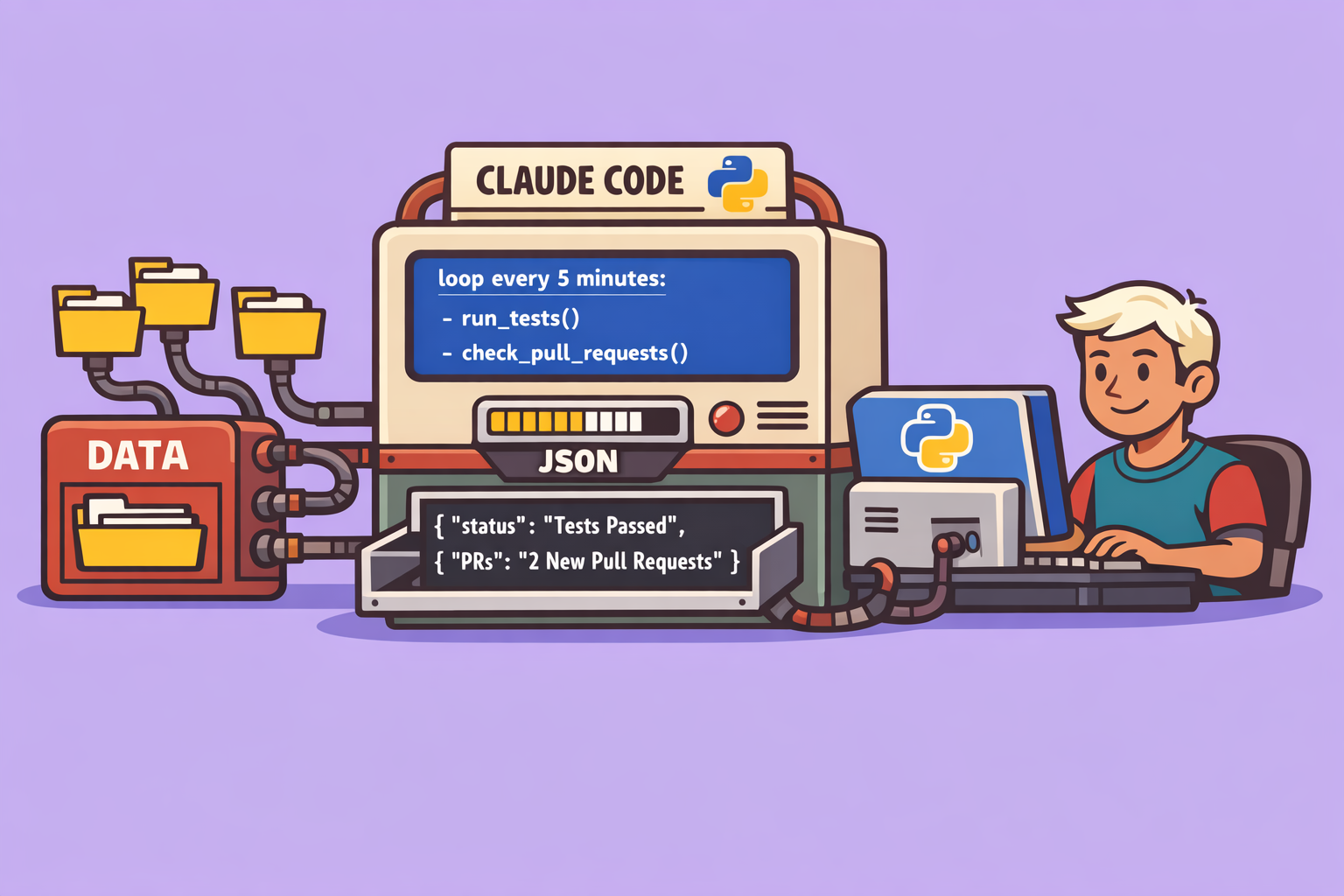
In the dynamic world of software development, automation is key to boosting productivity and ensuring code quality. While traditional methods like Open Clow’s cron jobs or desktop-based scheduled tasks offer powerful ways to automate security audits and other routine operations, they often come with limitations. These can include sandboxed environments or dependencies on external tools.
Enter claude Code’s new loop command – a game-changer designed to integrate task automation directly into your development environment. This innovative feature allows developers to schedule recurring tasks and receive real-time alerts without ever leaving their IDE. This article will provide a comprehensive guide on leveraging the loop command, understanding its nuances, and comparing it against existing automation solutions for optimal use.
The Power of claude Code’s loop Command
The loop command fundamentally changes how you approach recurring tasks. Instead of relying on external schedulers, you can now instruct claude Code to repeatedly execute specific commands or prompts within your active development session.
How It Works: A Step-by-Step Guide
-
Initiating a Loop: To start, simply be within your project directory and launch claude Code. Once active, you can use the
loopcommand followed by the desired frequency and the command you want to execute.Example: Running tests every 5 minutes
/loop 5m pnpm testHere,
5mspecifies the interval (5 minutes), andpnpm testis the command to be run. claude Code, utilizing its internal SDK, understands this cron-like pattern and schedules the task. You’ll receive a confirmation including the command, its cron pattern, and a unique task ID. -
Background Execution and Non-Intrusiveness: One of the standout features of
loopis its ability to run tasks in the background. claude Code intelligently monitors your activity. It will only execute the looped command when it detects you are less busy, ensuring that the automation doesn’t interrupt your active coding flow. Results are then provided within the same session and context. -
Real-Time Alerts and Monitoring: The
loopcommand isn’t just for executing commands; it’s also incredibly useful for real-time monitoring and alerts.Example: Monitoring Pull Request (PR) status
/loop 5m check PR status on PR #33. Alert me if there are new review comments.claude Code will regularly check the specified PR, reporting its status, any new comments, or pending reviews. If the status changes (e.g., the PR is merged), you’ll be notified automatically.
- Managing Loops:
- Cancellation: To cancel a recurring task, use its assigned ID.
terminate cron ID <your_task_id>Simply prompt claude Code to terminate the cron with the specific ID, and it will cancel the scheduled task.
- Listing Active Tasks: You can ask claude Code to list all currently active scheduled tasks (or “crons”) to keep track of your automations.
- Named Tasks: Instead of relying solely on generated IDs, you can assign descriptive names to your loop tasks for easier management.
- Cancellation: To cancel a recurring task, use its assigned ID.
-
One-Time Reminders: Beyond recurring loops, claude Code also facilitates one-time reminders.
Example: Setting a reminder for a production deployment
remind me in 15 minutes to check the production deployment.claude Code will schedule a unique reminder that will surface at the specified time, ensuring you don’t miss important checkpoints.
Under the Hood: How loop Operates
It’s crucial to understand the mechanics of the loop command:
- Session-Bound: Loop tasks are executed within your active claude Code session. They are not independent agents or multi-agent processes. This means they consume tokens and are tied to your current context.
- Context-Aware Execution: claude Code waits for “idle” moments to run looped tasks. This design aims to prevent interruptions to your workflow.
- Ephemeral Nature: Loop tasks are not persistent. Closing your terminal session will terminate all active loops.
Key Use Cases for Developers
The loop command opens up various possibilities for developers:
- Continuous Testing: Run unit or integration tests repeatedly during refactoring.
- Log and Server Monitoring: Keep an eye on error logs or server health.
- Build Status Checks: Monitor build pipelines and compilation status.
- Deployment Verification: Regularly check the status of ongoing deployments or production health.
- Collaboration Enhancements: Get alerts for new comments on pull requests, crucial for team leads or code reviewers.
- Productivity Reminders: Set reminders for pushing code, stand-up meetings, or urgent emails.
- Security Audits (with caveats): While useful for regular checks, the ephemeral nature of
looptasks (maximum 3 days) limits its utility for long-term, rigorous security audits (more on this below).
loop vs. Traditional Automation: A Comparative Look
To put the loop command into perspective, let’s compare it with other automation tools:
| Feature | claude Code loop |
Desktop Scheduled Tasks (e.g., claude Cowork) | Open Clow Cron Jobs (Server-based) |
|---|---|---|---|
| Persistence | Session-only (max 3 days) | Unlimited, persistent after restarts | Unlimited, persistent after restarts |
| Environment | Within your active terminal/IDE | Desktop application | Server-side (requires infrastructure) |
| Configuration | Zero config, simple prompts | Minimal via GUI | Some configuration (e.g., cron syntax) |
| Restart Impact | Lost on terminal close/restart | Retained | Retained |
| Interruption | Non-disruptive (runs when idle) | Can be configured to run in background | Runs in background, independent of user activity |
| Use Case | Short-term, in-session dev convenience | Local machine automation, long-term tasks | Production-grade, mission-critical scheduling |
Limitations and Considerations
While powerful, it’s essential to be aware of the loop command’s limitations:
- Terminal Dependency: Close your terminal, and your loops are gone. This makes it unsuitable for long-running or critical background tasks.
- 3-Day Maximum: Planned tasks are automatically pruned after three days. This prevents
loopfrom serving as a robust long-term scheduler. - No Catch-Up: If a task is missed (e.g., due to your terminal being closed), it will not be retried.
- Context Contamination: Running continuous loops can potentially fill your claude Code context more rapidly, which might affect AI performance or lead to “hallucinations” over time.
- No Parallelism: Tasks are executed sequentially when claude Code detects idle time; they do not run in parallel with your active work.
Conclusion: A Watcher, Not a Worker
In summary, the claude Code loop command is an excellent “watcher” for immediate, short-term monitoring and reminder tasks within your development flow. It is not a “worker” designed for 24/7, highly reliable, and persistent background operations. For continuous, mission-critical automation (like weekly security audits or production system monitoring), more robust tools like desktop schedulers or server-based cron services remain the preferred choice.
However, for developers seeking to streamline their daily workflow, receive timely alerts, and automate routine checks without context switching or dependency on external platforms, the loop command is a significant step forward. It empowers you to integrate intelligent automation directly into your most frequently used development environment, making your coding experience more efficient and responsive.
Don’t forget to subscribe, like, and check out the newsletter for slides, prompts, and resources related to this video and more in-depth content on Open Clow and powerful agent teams!
🔍 Discover Kaptan Data Solutions — your partner for medical-physics data science & QA!
We're a French startup dedicated to building innovative web applications for medical physics, and quality assurance (QA).
Our mission: provide hospitals, cancer centers and dosimetry labs with powerful, intuitive and compliant tools that streamline beam-data acquisition, analysis and reporting.
🌐 Explore all our medical-physics services and tech updates
💻 Test our ready-to-use QA dashboards online
Our expertise covers:
🔬 Patient-specific dosimetry and image QA (EPID, portal dosimetry)
📈 Statistical Process Control (SPC) & anomaly detection for beam data
🤖 Automated QA workflows with n8n + AI agents (predictive maintenance)
📑 DICOM-RT / HL7 compliant reporting and audit trails
Leveraging advanced Python analytics and n8n orchestration, we help physicists automate routine QA, detect drifts early and generate regulatory-ready PDFs in one click.
Ready to boost treatment quality and uptime? Let’s discuss your linac challenges and design a tailor-made solution!
Get in touch to discuss your specific requirements and discover how our tailor-made solutions can help you unlock the value of your data, make informed decisions, and boost operational performance!
Comments