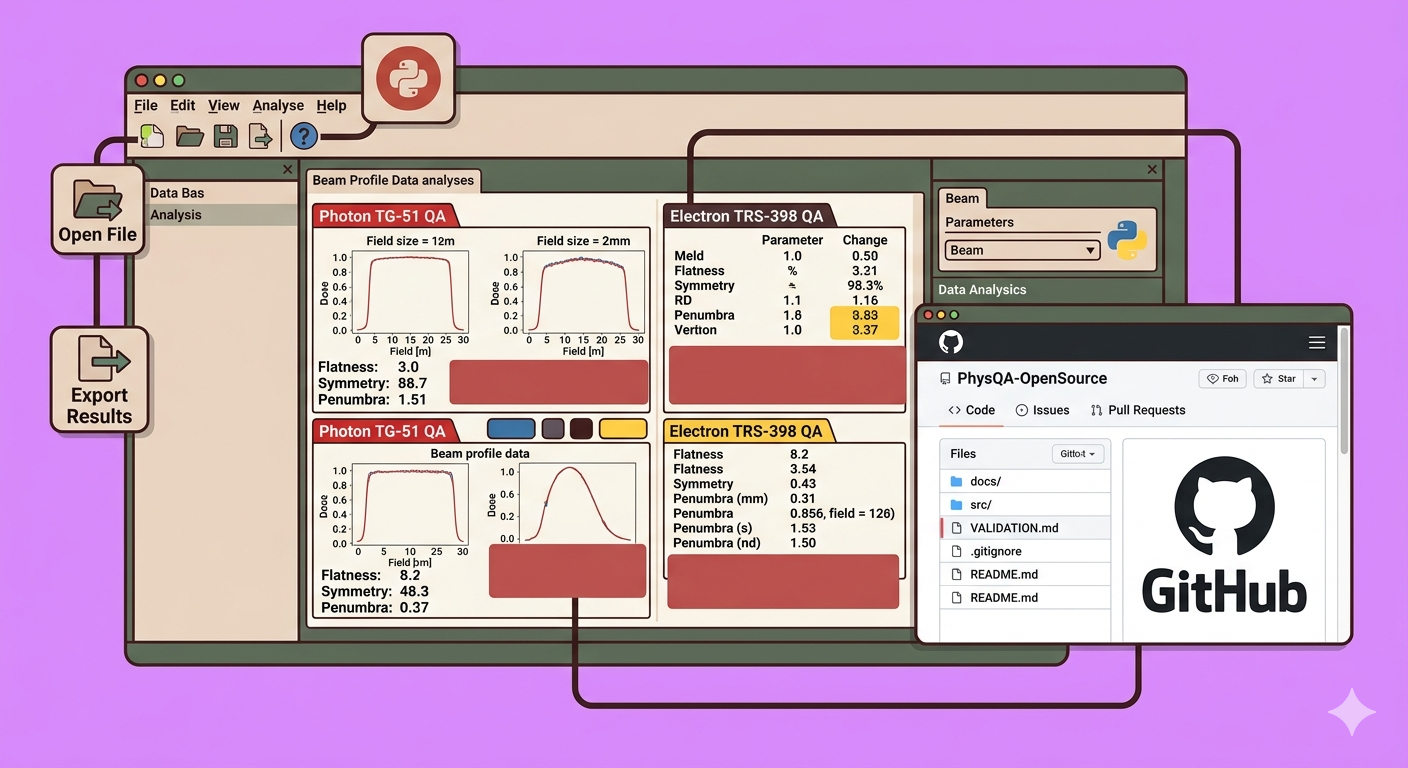
In the demanding field of medical physics, quality assurance (QA) is paramount. Regularly analyzing beam parameters, field sizes, flatness, and symmetry is crucial for patient safety and treatment efficacy. While many commercial solutions exist, open-source tools offer an accessible and customizable alternative, especially for those new to programming with Python or seeking a deeper understanding of the underlying algorithms.
This article introduces an invaluable open-source QA tool hosted on GitHub, specifically designed for medical physicists and Python beginners. It demystifies the process of utilizing this tool for beam analysis, particularly for EPID-based field size measurements.
Crucial Disclaimer for Medical Physicists:
It is essential to remember that while this tool facilitates analysis, the ultimate responsibility for validating and clinically approving any QA results rests solely with the medical physicist performing the analysis. This guide focuses on demonstrating the tool’s usage, not on clinical validation.
Understanding the Open-Source QA Tool
This particular tool, often referred to as a “beam scheme” application, specializes in analyzing field size and other crucial beam parameters using images from Electronic Portal Imaging Devices (EPID). For physicists who routinely perform field size analysis manually, this tool provides concrete, quantifiable results, enhancing efficiency and accuracy.
The tool’s repository, initially developed by Mr. Alan Chamberlain and his team, provides clear instructions, licensing information, and vital validation guidelines.
Key Validation Considerations:
- 2D Array Detectors: When using a 2D array, ensure the detector plane is positioned at 100 cm Source-Axis Distance (SAD) for accurate results. Small discrepancies between reported and measured dosimetry might occur otherwise.
- EPID Images: Generally, no correction is needed for EPID images unless specific modifications are desired.
Step-by-Step Guide to Using the Beam Scheme Application
This section outlines how to download, install, and utilize this open-source QA tool for beam analysis.
Step 1: Downloading the Application
- Navigate to the GitHub Repository: Access the project’s GitHub page.
- Locate “Releases”: On the right-hand side of the repository page, find and click on the “Releases” section.
- Choose the Executable File: Within the releases, locate the
setup.exefile. This is the executable installer for the application. (For advanced users or programmers, source codes are also available if you wish to modify the application’s logic). - Download: Click on
setup.exeto download the installer to your local machine.
Step 2: Installing the Application
- Run the Installer: Once the download is complete, navigate to your downloads folder and double-click the
setup.exefile. - Follow On-Screen Prompts: The installation process is straightforward. Simply click “Run,” then “Next” through the subsequent prompts to install the application on your computer.
Step 3: Launching and Initial Interface Overview
- Launch the Application: After successful installation, launch the “Beam Scheme” application.
- Main Interface: You will be greeted with the main interface.
- Help Content: Within the application, navigate to “Help” > “Content Help” to access the same detailed instructions and validation guidelines found in the GitHub repository.
- File Operations: Explore the “File” menu, which includes options for exporting results.
Step 4: Loading and Analyzing an Image
- Open File: Click on the “Open File” icon (often represented by a folder icon or similar).
- Select EPID Image: Browse to the location of your EPID image file (e.g., a DICOM image of a 20x15 cm field taken on a linear accelerator).
- Automatic Analysis: Once loaded, the application automatically processes the image, analyzing both in-line and cross-line profiles.
- Review Default Values: The tool will immediately display default values for various beam parameters.
Step 5: Utilizing Protocols and Retrieving Beam Parameters
- Select Protocol: The application offers several built-in protocols for analysis, such as:
- D-Electron Photon
- Triple F Field Size
- IEC Pro97
- Varian Choose the protocol relevant to your QA procedure.
- Access Field Size Data: Click on the “Field Size” option. The application will clearly display the field size for both the X-profile (in-plane) and Y-profile (cross-plane), for example, 20 cm for X and 15 cm for Y.
- Extract Flatness and Symmetry: Based on the chosen protocol (e.g., Varian), the tool will also provide values for beam flatness and symmetry, essential parameters for assessing beam quality.
Step 6: Exporting Results
- Use the “File” > “Export” option to save your analysis results for documentation, trending, or further processing.
Practical Tips
- DICOM Export: To use this tool effectively, you will need to export EPID images (DICOM files) from your treatment planning system (e.g., Eclipse) or directly from your linear accelerator console to a local drive or network location accessible by the application.
- Community Support: If you encounter any challenges or have questions about the tool, leverage the comments section of the corresponding video or the GitHub repository’s issue tracker for community support.
This open-source beam analysis tool offers a powerful and accessible solution for medical physicists looking to enhance their QA procedures, particularly those involving EPID images. By following these steps, even Python beginners can effectively integrate this tool into their routine workflows, contributing to safer and more accurate radiation therapy.
🔍 Discover Kaptan Data Solutions — your partner for medical-physics data science & QA!
We're a French startup dedicated to building innovative web applications for medical physics, and quality assurance (QA).
Our mission: provide hospitals, cancer centers and dosimetry labs with powerful, intuitive and compliant tools that streamline beam-data acquisition, analysis and reporting.
🌐 Explore all our medical-physics services and tech updates
💻 Test our ready-to-use QA dashboards online
Our expertise covers:
🔬 Patient-specific dosimetry and image QA (EPID, portal dosimetry)
📈 Statistical Process Control (SPC) & anomaly detection for beam data
🤖 Automated QA workflows with n8n + AI agents (predictive maintenance)
📑 DICOM-RT / HL7 compliant reporting and audit trails
Leveraging advanced Python analytics and n8n orchestration, we help physicists automate routine QA, detect drifts early and generate regulatory-ready PDFs in one click.
Ready to boost treatment quality and uptime? Let’s discuss your linac challenges and design a tailor-made solution!
Get in touch to discuss your specific requirements and discover how our tailor-made solutions can help you unlock the value of your data, make informed decisions, and boost operational performance!
Comments