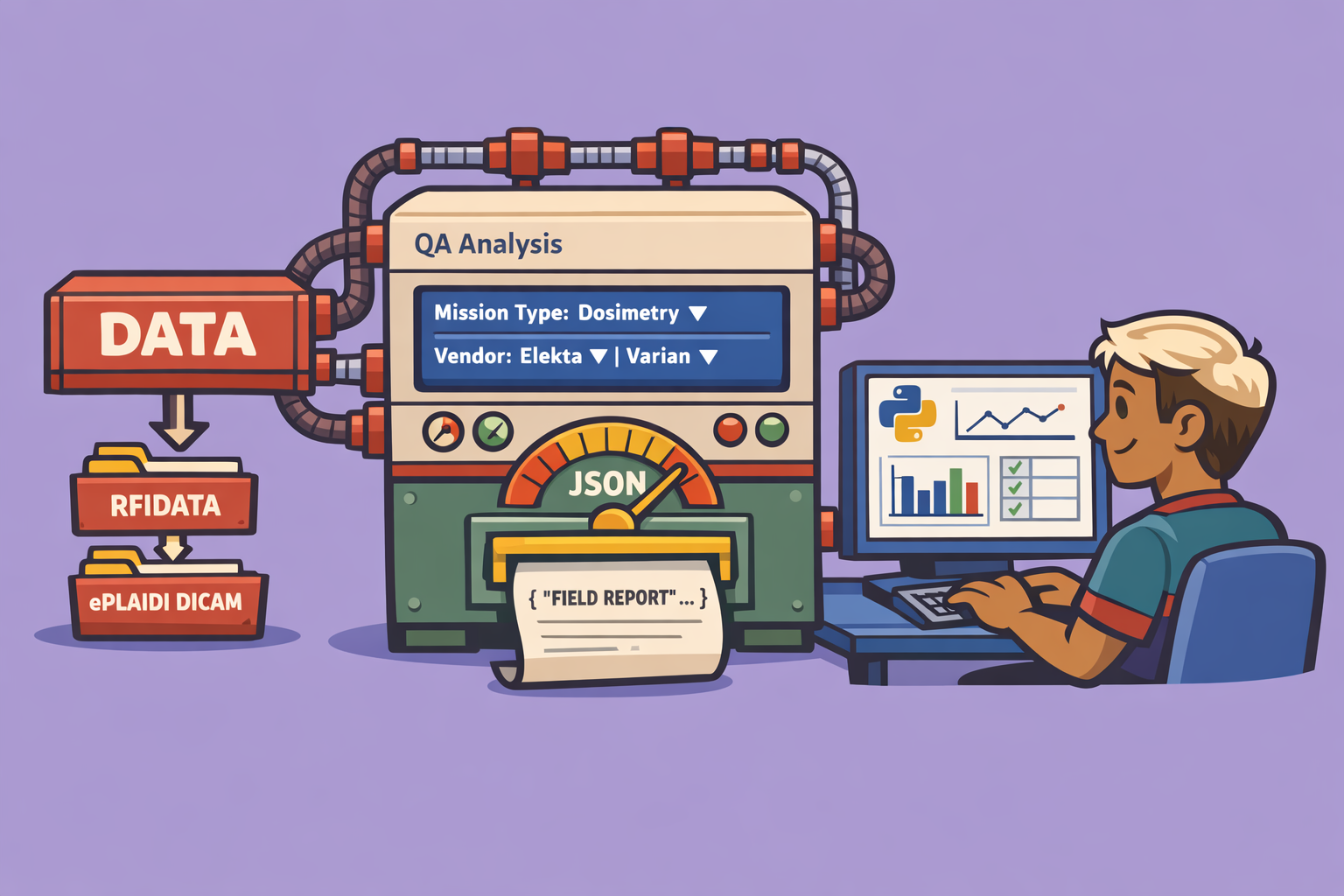
In the field of medical physics, robust Quality Assurance (QA) is paramount to ensuring the accuracy and safety of radiation therapy. A powerful new software, PI-TQA, has emerged as a comprehensive solution designed to simplify and standardize various QA analyses, most notably the triple-QA as per AERB (Atomic Energy Regulatory Board) guidelines. Developed by Mr. Samba Sivasilli, PI-TQA offers an intuitive interface backed by advanced processing capabilities, making it an invaluable tool for medical physicists.
What is PI-TQA?
PI-TQA is a software tool primarily developed using Python, specifically tailored for medical physics QA. Its core strength lies in its ability to perform triple-QA analysis, which involves assessing critical beam parameters. Beyond triple-QA, it also incorporates other essential analyses like field analysis, Winston-Lutz tests, Picket Fence tests, and CatPhan image analysis. The software supports various data inputs, including raw field data (RF data) and DICOM images from EPID (Electronic Portal Imaging Device) systems, making it adaptable to different clinical workflows and equipment such from Elekta and Varian linear accelerators.
Key Features and Capabilities
- Triple-QA Analysis: Fully compliant with AERB guidelines, focusing on inflection points (X90, X75, X10), field symmetry, and flatness. It utilizes a first derivative concept for robust edge detection, which is crucial for accurate profile analysis.
- Multiple Data Input Options:
- RF Data: Accepts RF data typically exported in ASCII format, which can then be converted into a structured Excel sheet.
- EPID DICOM Images: Directly imports and processes DICOM images from EPID systems. It also has the capability to analyze DICOM images from TrueBeam machines.
- Vendor-Specific Processing: Recognizes and applies different processing algorithms for images originating from various linear accelerator vendors like Elekta and Varian, ensuring accurate results regardless of the equipment.
- Automated Reporting: Generates detailed PDF reports summarizing all analyzed parameters, including image visualizations, processed profiles, and tabulated data, ready for review and documentation.
- Additional QA Modules:
- Field Analysis: General field parameter assessment.
- Winston-Lutz QA: For checking machine isocenter and radiation isocenter congruence using ball bearing images.
- Picket Fence Analysis: For MLC (Multi-Leaf Collimator) position accuracy, supporting single or multiple images and various MLC types.
- CatPhan Analysis: For analyzing CT images from CatPhan phantoms, assessing image quality and geometry.
- User-Friendly Interface: Designed for ease of use, with simple navigation and clear instructions for data input and analysis.
- Open-Source Availability: The entire Python program is published on GitHub, allowing users to download the executable (e.g., .exe file) directly from the releases section and use it.
How to Perform Triple-QA Analysis with PI-TQA
This step-by-step guide walks you through using PI-TQA for triple-QA analysis, focusing on both EPID DICOM images and RF data.
Step 1: Initial Setup and Data Input
- Launch PI-TQA: Open the software. The main page will prompt you to enter patient and institution details. While initial setup requires these, subsequent analyses often proceed directly.
- Select QA Type: From the main analysis menu or a dropdown, choose “Triple-QA.”
- Choose Data Source: You have two primary options:
- EPID Image Data: For DICOM images from your EPID system.
- RF Data: For raw field data exported from your linear accelerator.
Step 2: Analyzing EPID Image Data
- Upload Image File: If using EPID image data, click the upload button and select your DICOM image file. The software supports standard DICOM formats and can process images from various vendors.
- Specify Machine Details: Select the linear accelerator vendor (e.g., “Elekta” or “Varian”) and the nominal energy (e.g., “6 Total,” “5 Total”). This is crucial as different vendors require specific processing algorithms.
- Process Data: Click “Process.” The software will perform a field analysis using its first derivative concept to identify crucial points along the beam profile, such as field edges (X90, X75, X10). This process accounts for the rate of change in intensity, which is effective for edge detection.
- Generate Report: Once processing is complete, a prompt will appear to generate a PDF report. Provide a name for the report (e.g., “Elekta_6Total_1”).
- Review Report: The generated PDF report will contain:
- Header information: Institution, patient, machine details.
- Processed image with overlaid analysis marks.
- Tabulated parameters: Inflection points (X90, X75, X10) for inline and crossline profiles, field symmetry, and flatness, all as per AERB guidelines.
- Graphical representation of the profiles.
Step 3: Analyzing RF Data (Raw Field Data)
- Prepare RF Data in Excel:
- Export your RF data from the linear accelerator in ASCII format.
- Create an Excel file with two sheets, specifically named “in-line” and “cross-line.”
- Each sheet must have two columns: “in-line (cm)” and “percentage” (or “cross-line (cm)” and “percentage”). Ensure consistent units (mm or cm) and correct column headers. The software will normalize the data to 100%.
- Upload Excel File: In PI-TQA, choose “RF Data” and upload your prepared Excel file.
- Specify Machine Details: Similar to EPID analysis, select your linear accelerator vendor and energy if prompted, as this may influence the processing.
- Process and Report: Click “Process” to analyze the RF data. Generate the PDF report as described in Step 2. The report format and content will be similar, reflecting the analyzed RF profiles.
Technical Insights
PI-TQA ‘s reliance on the first derivative concept for profile analysis is a carefully chosen approach. While the second derivative is often considered for edge detection, it can be highly sensitive to noise, particularly in EPID data. The first derivative provides a more robust and stable method for identifying the rate of change in intensity, which translates directly to field fall-off and critical points, making it ideal for the precision required in medical physics QA.
Availability and Use
PI-TQA is conveniently available on GitHub. Users can visit the repository, navigate to the “Releases” section, and download the executable file (e.g., .exe for Windows) directly. This allows for easy installation and immediate use without needing to set up a Python environment.
Important Note for Users: While PI-TQA offers powerful analytical capabilities, it is crucial for medical physicists to validate the software’s results with their own institutional protocols and clinical judgment before making any clinical decisions. The developer and the medical physics community emphasize the importance of independent validation.
PI-TQA stands out as a practical, comprehensive, and accessible tool that simplifies complex QA processes, ultimately contributing to safer and more effective radiation therapy treatments.
🔍 Discover Kaptan Data Solutions — your partner for medical-physics data science & QA!
We're a French startup dedicated to building innovative web applications for medical physics, and quality assurance (QA).
Our mission: provide hospitals, cancer centers and dosimetry labs with powerful, intuitive and compliant tools that streamline beam-data acquisition, analysis and reporting.
🌐 Explore all our medical-physics services and tech updates
💻 Test our ready-to-use QA dashboards online
Our expertise covers:
🔬 Patient-specific dosimetry and image QA (EPID, portal dosimetry)
📈 Statistical Process Control (SPC) & anomaly detection for beam data
🤖 Automated QA workflows with n8n + AI agents (predictive maintenance)
📑 DICOM-RT / HL7 compliant reporting and audit trails
Leveraging advanced Python analytics and n8n orchestration, we help physicists automate routine QA, detect drifts early and generate regulatory-ready PDFs in one click.
Ready to boost treatment quality and uptime? Let’s discuss your linac challenges and design a tailor-made solution!
Get in touch to discuss your specific requirements and discover how our tailor-made solutions can help you unlock the value of your data, make informed decisions, and boost operational performance!
Comments